But those were the days before on-board computers. Heck, my primary vehicle (a 2005 Toyota Prius) has the potential for problems Henry Ford never imagined. Luckily, we haven't had any major issues with that vehicle, despite over 117K miles. My husband's 2000 Dodge Dakota Quad Cab, however, is another issue entirely. Don't get me wrong, we love that truck and we have had way more good days with it than bad, but it is getting old. It will be 12 years old in April. Being the control freak that I am, I purchased a OBDII Reader a number of years ago to aid in troubleshooting when that dreaded little orange light in the shape of an engine rears its little head on the dash. It was great, we could pull the trouble codes just like the local shops would do (and charge us for in many cases). But spending time trying to Google the codes and figure out what they meant was almost as frustrating as a car mechanic talking down to me because I have breasts and 3 kids in tow.
Enter the CarMD. At it's core it is an ODBII code reader. You can get those from many sources for anywhere from about $50 to hundreds of dollars. What is an ODBII Reader. In simple terms, almost all cars built since 1996 are equipped with a universal trouble code system to aid in problem diagnostics. Even mechanics use them. That is what you get when you take your car in for an "engine light". You (or your mechanic) plug in a device turn the ignition on (do not start the car) and a series of numbers appear on the screen. You can use these codes in many cases to discern what is wrong.
So what made me purchase another reader when I already had one? To tell you the truth, I almost didn't, but the software that came with it intrigued me.
The software is easy enough to install, just like any other software.
Here is how it works (you can click on the images for bigger versions)
Locate your ODB2 plug receptical. (Usually under the steering wheel/dash)
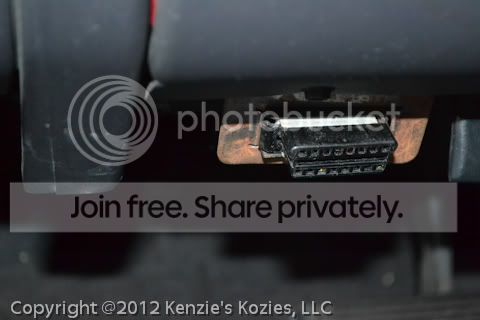
Plug in the CarMD reader. You can plug directly in or use the included extension cable. I used the extension cable so that I could still read what was happening on the display (if I plugged directly in, it was upside down). Then insert the key and turn the ignition to the "on" position (again do not START the vehicle).

Then you wait. It will say "read" while it is reading. Once it is done, it will have some numbers on the screen (or not if there were no codes to read, as was the case with my Truck). There is also a light system (green, yellow, red) to indicate vehicle health.
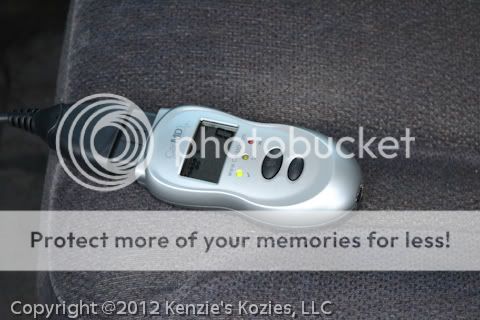
You then unplug the reader from the vehicle. Plug in the included USB cable to the reader and to your computer. The display will change to "Data", and the software will be automatically started. If this is the first time you have plugged in the reader, it will take a couple of minutes for the system to install drivers

You log-in to the software (which is in your browser). You will need to create a free account if you don't have one already.
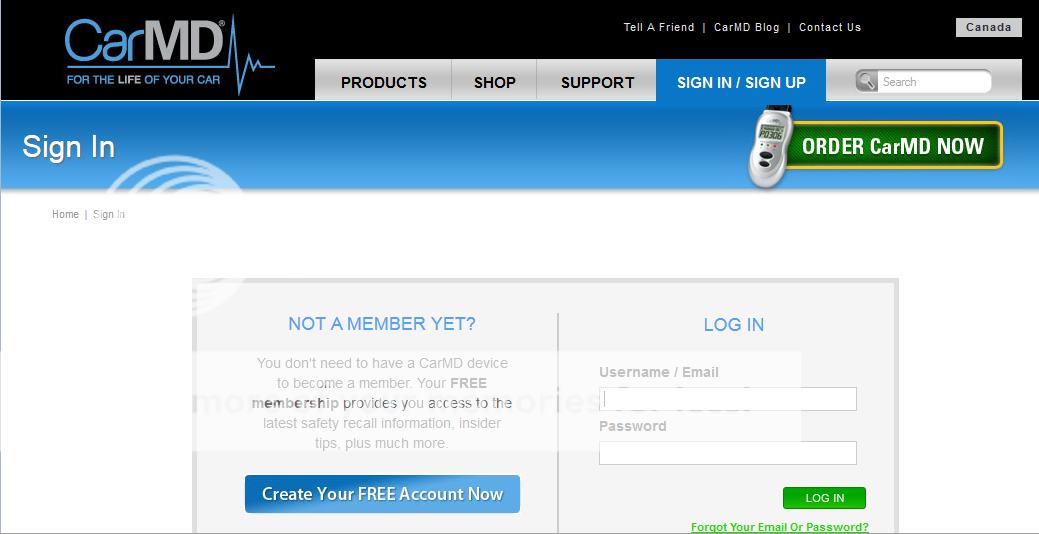
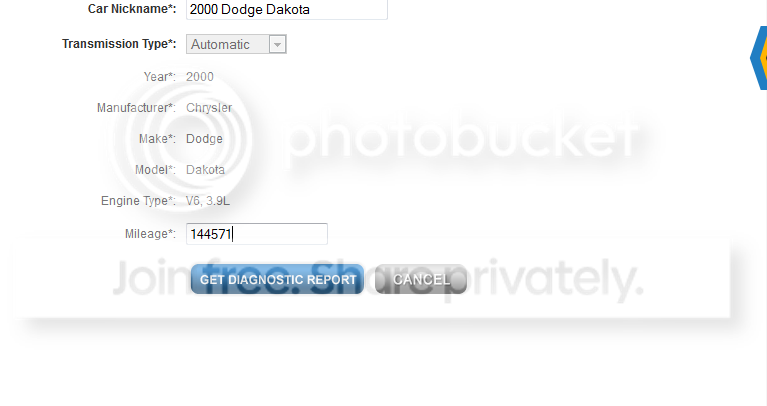
When you create your account you will also tell them what vehicle(s) you have. After the first time you log in, you need only select the vehicle which you are diagnosing. You will enter the currently mileage of your vehicle on the next page. Then a vehicle health report will be displayed

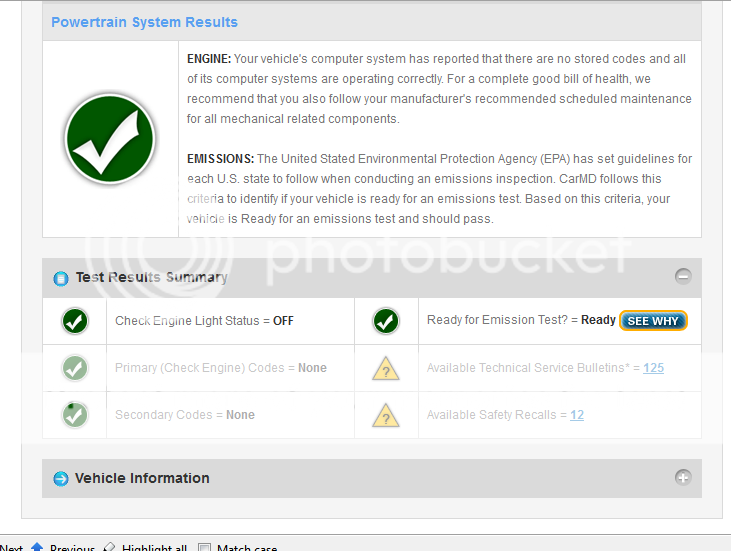
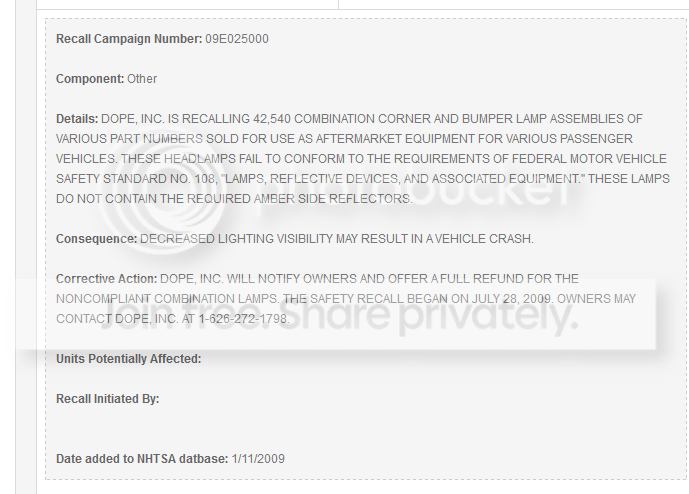
Any found issues will become click-able for further information. In my case, there were only Technical Service Bulletins (TSB) and Safety Recall information. You can select "view" for more information.
The Safety Recall notices are free, but the TSBs cost an additional fee for the full information


If you have actual problems you can also find approximate prices to fix from local mechanics. I can't show you this because we didn't have anything like that on this vehicle.
Overall, I like this product and think it is a good choice for an ODB2 reader. The extras make it very easy to use and don't make it cost that much more.
If you want to purchase it you can do so from many places. There is a $30off special from BzzAgent right now, or it is $99.99 at Amazon.
Note: This product was reviewed as part of a BzzAgent campaign. I received a substantial discount on the item tested and reviewed. My opinions, however, are solely my own (with some editorial review from my husband ;) )
Note: This post may contain affiliate links
Pin It


No comments:
Post a Comment